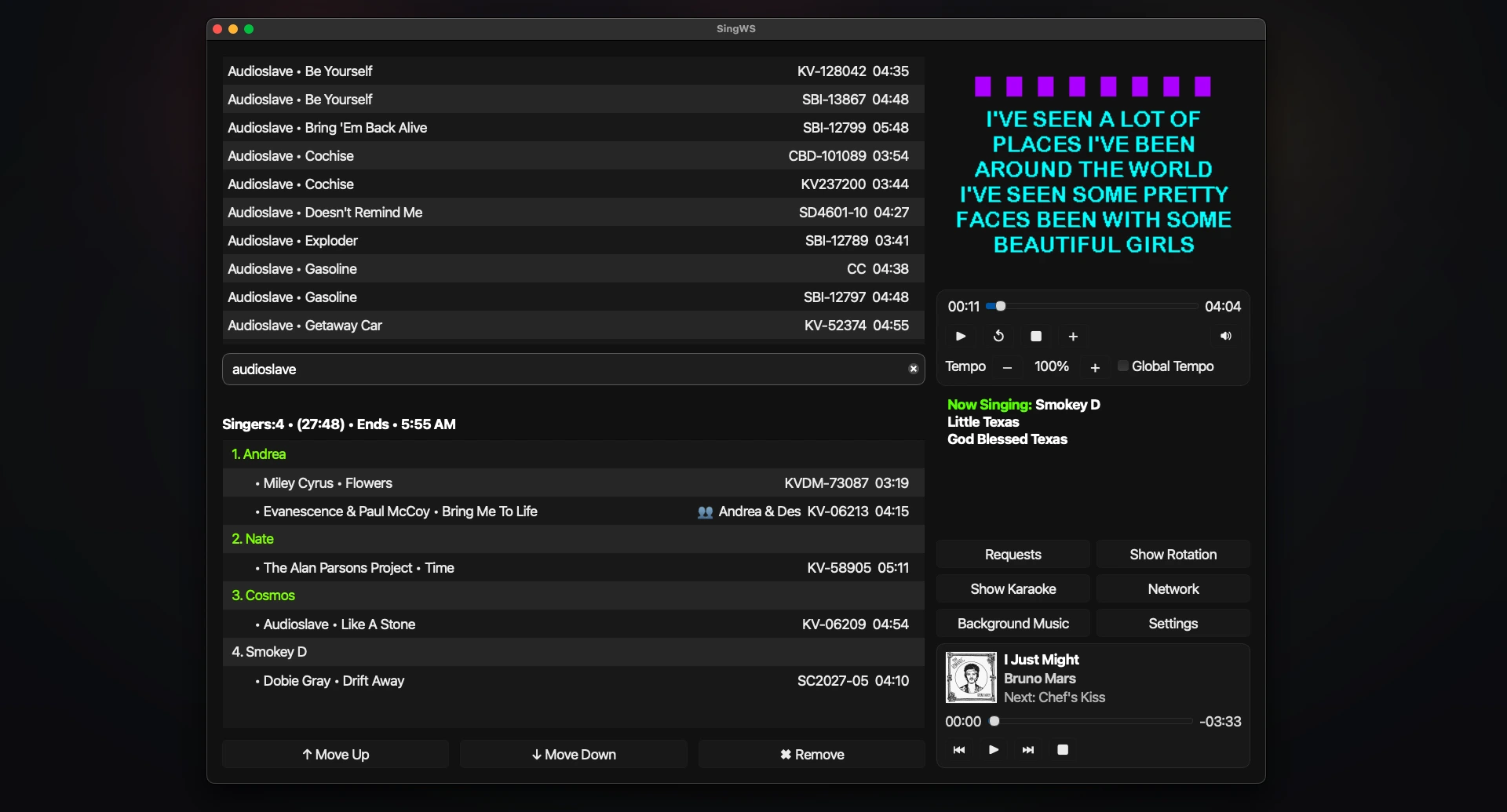
PROFESSIONAL KARAOKE HOSTING SOFTWARE
Mac setup
Installation instructions
Windows installs are straightforward. macOS needs one extra step because the app is not code-signed yet.
Install SingWS on Mac
Requirements
- macOS 15 (Sequoia) or later
- Apple Silicon or Intel processor
Setup steps
- Download SingWS
Choose the correct version for your Mac and download it. - Install the app
Open the .dmg file and drag SingWS to your Applications folder. - Remove the macOS security flag
Open Terminal and run:xattr -dr com.apple.quarantine "/Applications/SingWS.app" - Launch SingWS
Open SingWS from your Applications folder.
Important: The Terminal command in step 3 is required the first time you launch the Mac app.